Best AI Mobile Apps in 2026
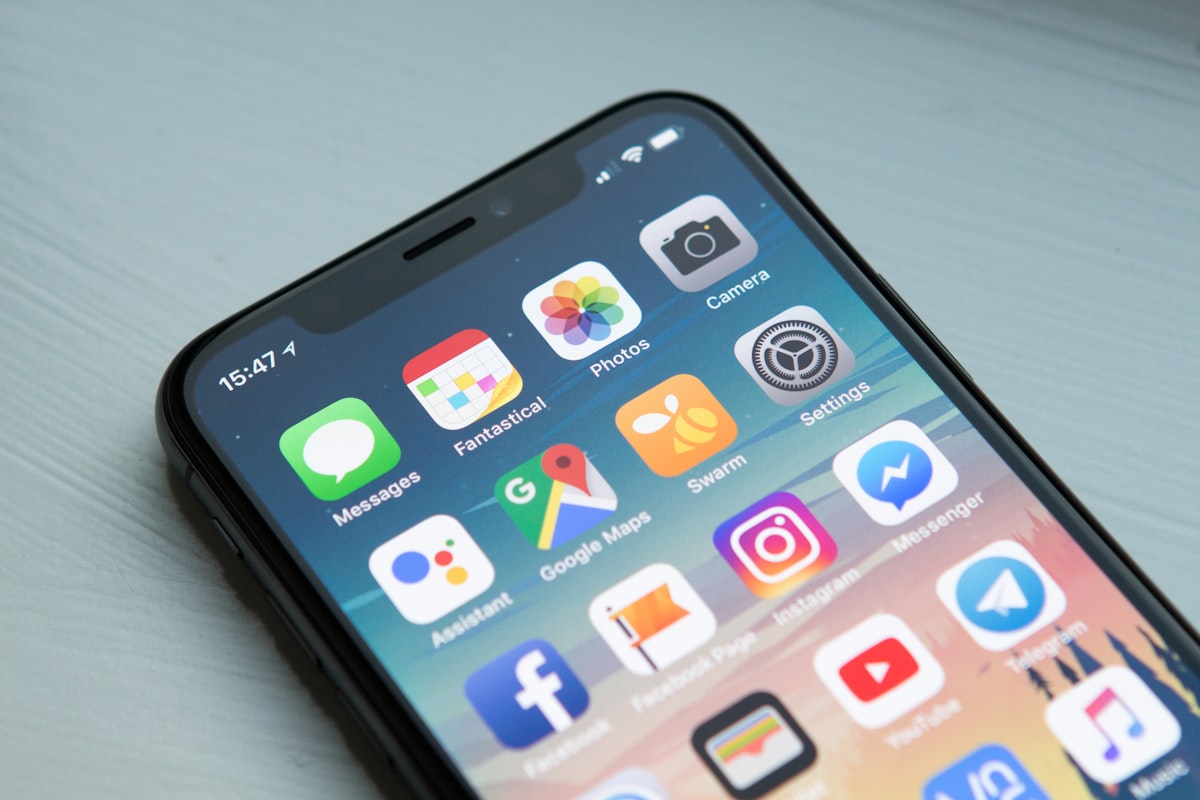
Your smartphone in 2026 is no longer just a communication device. It is an AI-powered command center — a pocket-sized intelligence layer that can write your emails, translate conversations in real time, generate professional images, coach your fitness routine, transcribe your meetings, compose music, debug your code, manage your mental health, and tutor you in any subject on earth. The mobile AI revolution hasn’t just arrived — it has already matured into a rich, competitive ecosystem of applications that are genuinely transforming how people live and work every single day.
What makes 2026 particularly remarkable is that AI on mobile is no longer a stripped-down approximation of what’s available on desktop. On-device AI processing — powered by dedicated neural processing units built into the latest generations of mobile chips — means that many of the most powerful AI features now run entirely on your phone, with no internet connection required. The result is a generation of mobile AI apps that are faster, more private, more capable, and more deeply integrated into daily life than anything that came before.
This guide covers the very best AI mobile apps available right now across every major category — productivity, creativity, health, education, communication, and beyond. Whether you’re on iOS or Android, these are the apps worth downloading, paying for, and building into your daily routine.
AI Assistants and Productivity
1. Claude (Anthropic) — The Smartest Conversation You’ll Have on Your Phone
Claude by Anthropic is available on both iOS and Android, and it brings one of the most capable AI assistants in existence directly to your mobile device. What sets Claude apart from other mobile AI apps is the depth and quality of its reasoning. It doesn’t just generate quick answers — it thinks through problems carefully, engages with nuance and complexity, and produces responses that feel genuinely considered rather than algorithmically assembled.
On mobile, Claude excels at drafting and editing long-form content, summarizing documents you share with it, helping you think through decisions, writing and reviewing code, and having extended, intellectually substantive conversations on virtually any topic. The app supports document uploads and image analysis, making it a versatile tool for professionals on the go. Claude’s commitment to honesty — including acknowledging uncertainty and pushing back when something doesn’t seem right — makes it particularly trustworthy for tasks where accuracy genuinely matters. For anyone who wants a genuinely intelligent AI companion on their phone rather than a glorified autocomplete, Claude is the benchmark.
2. ChatGPT (OpenAI) — The All-Purpose AI Powerhouse
ChatGPT remains one of the most downloaded AI apps in the world, and for good reason. The mobile app brings the full power of GPT-4o to your fingertips — including real-time voice conversations that feel remarkably natural, image and document analysis, code generation, web search, and integration with a growing library of plugins and tools. The voice mode in particular has become a genuinely compelling feature: you can have a fluid, back-and-forth spoken conversation with the AI while commuting, cooking, or exercising, covering topics ranging from language practice to business strategy to philosophical debate.
The ChatGPT app also introduced one of the most impressive mobile AI features of 2025: the ability to point your camera at something in the real world — a product label, a piece of machinery, a mathematical equation on a whiteboard, a menu in a foreign language — and ask questions about it in real time. This kind of multimodal, real-world contextual AI interaction represents a genuinely new mode of human-computer interaction, and it works remarkably well in practice.
3. Notion AI — Your Second Brain, Everywhere
Notion AI on mobile brings intelligent productivity to wherever you are. Capture meeting notes and have AI instantly summarize action items. Dictate a rough idea and have it structured into a polished document. Ask questions about anything stored in your Notion workspace and get instant, contextually aware answers. For professionals whose work lives inside Notion, the mobile app with AI integration means your entire organizational brain is always accessible and interactive — not just readable.
The AI features are deeply integrated into the native mobile experience rather than bolted on as a separate chat interface — meaning you can invoke AI assistance directly within any page, database entry, or task without breaking your workflow. For knowledge workers, students, and anyone who manages complex information across multiple projects, Notion AI on mobile is one of the highest-value productivity investments available.
4. Microsoft Copilot — AI Across the Entire Office Suite
Microsoft Copilot has become an essential tool for anyone working within the Microsoft ecosystem on mobile. Deeply integrated into the mobile versions of Word, Excel, PowerPoint, Outlook, and Teams, Copilot can draft documents from bullet points, generate Excel formulas from plain-language descriptions, create presentation slide decks from a topic summary, summarize long email threads in seconds, and transcribe and summarize Teams meetings automatically.
For enterprise users, the mobile Copilot experience has meaningfully closed the gap between what you can accomplish on your phone versus what you can do at your desk. Complex deliverables that previously required a full desktop setup — polished reports, data analysis, presentation decks — can now be meaningfully drafted, edited, and refined entirely on a mobile device. The standalone Copilot app also functions as a capable general-purpose AI assistant with web search, image generation via DALL·E 3, and voice interaction capabilities.
AI for Creativity and Visual Content
5. Adobe Firefly Mobile — Professional Creative AI in Your Pocket
Adobe Firefly brings Adobe’s commercially safe generative AI to mobile, enabling creators to generate stunning images, edit photos with generative fill, remove and replace elements in photographs, apply AI style transfers, and create vector graphics — all from a smartphone. The results integrate seamlessly with the broader Adobe Creative Cloud ecosystem, making it a natural fit for professional designers and photographers who need to work on the go.
What distinguishes Firefly from competing image generation tools is its commercial safety: it is trained exclusively on licensed and public domain content, meaning that images generated with it can be used in commercial projects without copyright concerns. For marketing professionals, brand designers, and content creators who need to produce visuals at speed without legal risk, this distinction is critically important — and it makes Firefly the responsible choice for professional creative work.
6. CapCut AI — The Mobile Video Studio
CapCut has become the most widely used AI video editing app in the world, and its 2026 feature set is extraordinary for a free mobile application. Auto-captions that are accurate enough to require minimal correction, AI background removal and replacement, beat-synchronized editing, smart crop that automatically reframes footage for different aspect ratios, AI avatar generation, voice cloning for narration, trending templates updated weekly, and one-tap style transfers that apply cinematic color grades to raw footage — all available on a phone, without a desktop, without a subscription.
For content creators publishing to TikTok, Instagram Reels, YouTube Shorts, or any short-form platform, CapCut has become the indispensable tool. The AI features dramatically reduce the time between capturing footage and publishing polished content — a workflow that previously took hours in a desktop editing suite can now be completed in minutes on a phone. The app’s deep integration with TikTok’s platform also means that trending sounds, effects, and formats are surfaced directly within the editing interface.
7. Lensa AI — Portrait and Photo Enhancement
Lensa AI remains the leader in AI-powered portrait editing on mobile, offering tools that go far beyond conventional photo filters. Its Magic Avatars feature generates stunning artistic portraits in dozens of different styles — oil painting, anime, fantasy, cinematic, and more — from a set of selfies. Its real-time editing suite includes AI sky replacement, background blur, skin retouching, color grading, and object removal, all optimized for portrait photography.
For individuals who want to create professional-quality profile photos, unique social media content, or artistic self-portraits without hiring a photographer or learning Photoshop, Lensa AI delivers results that consistently impress. The app’s on-device processing capabilities ensure that your photos are handled with privacy — sensitive portrait data doesn’t need to leave your device for many of its core features.
AI for Health and Wellness
8. Whoop AI Coach — Personalized Performance Intelligence
Whoop’s AI Coach feature has transformed the wearable fitness platform into something more akin to having a personal performance scientist in your pocket. By continuously analyzing your physiological data — heart rate variability, sleep architecture, respiratory rate, skin temperature, blood oxygen — against your training load and lifestyle patterns, the AI Coach delivers highly personalized, actionable recommendations that go far beyond generic fitness advice.
Unlike fitness apps that simply display your data, Whoop AI Coach interprets it in context — recognizing when patterns in your recovery metrics suggest overtraining risk, identifying correlations between specific lifestyle behaviors and your sleep quality, and adjusting recommendations dynamically as your fitness level and patterns evolve. For serious athletes and performance-focused individuals, the depth and personalization of the AI coaching experience is genuinely difficult to replicate with any human coach who doesn’t have continuous access to the same data.
9. Wysa — AI-Powered Mental Health Support
Wysa is a clinically validated AI mental health companion that provides evidence-based support for stress, anxiety, depression, and sleep difficulties through conversational AI interactions and structured therapeutic exercises. Built on cognitive behavioral therapy, dialectical behavior therapy, and mindfulness frameworks, Wysa offers a level of mental health support that is accessible, private, and available at any moment — including the 3am moments when no human support is reachable.
What makes Wysa particularly valuable is its clinical credibility — it has been validated in peer-reviewed research and is used by healthcare providers and employee assistance programs as a legitimate mental health tool, not just a wellness chatbot. It is not a replacement for professional mental health care, and it doesn’t pretend to be — but for the vast majority of people who experience everyday stress, anxiety, and emotional difficulty without access to affordable therapy, Wysa provides a genuinely meaningful and evidence-backed resource.
AI for Learning and Education
10. Duolingo Max — Language Learning Supercharged by AI
Duolingo Max uses GPT-4 to power two features that fundamentally elevate the language learning experience beyond what any previous app has offered: Explain My Answer and Roleplay. Explain My Answer gives learners a detailed, personalized explanation of why their answer was correct or incorrect — going far beyond a simple right/wrong indicator to provide the grammatical and contextual reasoning behind the feedback. Roleplay places learners in simulated real-world conversations — ordering at a café in Paris, checking into a hotel in Tokyo, navigating a job interview in Madrid — with an AI conversation partner that adapts to their proficiency level and provides detailed feedback on their performance.
These features transform Duolingo from a gamified vocabulary driller into something closer to a genuine language tutor — providing the kind of contextual, conversational practice that was previously only available with a human teacher. For anyone learning a language on a budget, or looking to supplement formal study with additional practice time, Duolingo Max represents an extraordinary value proposition.
11. Photomath AI — Mathematics Made Understandable
Photomath remains the gold standard for AI-powered mathematics assistance on mobile. Point your camera at any math problem — from basic arithmetic to advanced calculus, linear algebra, and differential equations — and Photomath instantly recognizes it, solves it, and provides a detailed step-by-step explanation of the solution process. The AI tutor feature allows students to ask follow-up questions about any step they don’t understand, receiving tailored explanations that adapt to their level of comprehension.
What makes Photomath genuinely educational rather than merely convenient is its insistence on showing the work — not just the answer. Students who use it correctly don’t just get solutions; they get a detailed walkthrough of the reasoning process that helps them understand the underlying concepts. For students at every level from middle school through university, Photomath has become one of the most consistently useful educational tools available on any platform.
12. Elicit Mobile — Research Intelligence On the Go
Elicit’s mobile experience brings AI-powered academic research assistance to wherever you are. Search millions of research papers by research question rather than keyword, extract key findings and methodologies from multiple papers simultaneously, and build structured literature review summaries — all from your phone. For graduate students, researchers, and academics who need to stay on top of their field while away from their desk, Elicit Mobile compresses hours of literature searching into minutes of intelligent, targeted discovery.
AI for Communication and Language
13. Google Translate with Gemini AI — Real-Time Language Barrier Removal
Google Translate, now powered by Gemini AI models, has become startlingly capable in 2026. Real-time camera translation overlays the translated text on physical signs, menus, and documents through your phone’s camera with such accuracy and low latency that the experience feels almost magical. Conversation mode enables two people speaking different languages to have a fluid, back-and-forth dialogue mediated by the AI in real time — each person speaking in their own language and hearing the other’s words immediately translated into theirs.
The Gemini-powered translation engine has dramatically improved handling of idiomatic expressions, regional dialects, and context-dependent meaning — the areas where previous neural translation systems most consistently failed. For international travelers, global business professionals, and anyone communicating across language barriers, Google Translate has become genuinely indispensable in a way that earlier versions only approximated.
14. Otter.ai Mobile — Never Lose a Word Again
Otter.ai on mobile provides real-time AI transcription and summarization for meetings, interviews, lectures, and conversations. Open the app, tap record, and every word spoken is instantly transcribed, speaker-identified, and organized into a searchable, shareable document. The AI summary feature automatically extracts key points, action items, and decisions from the transcript — giving you a structured record of what was discussed and what needs to happen next without any manual note-taking.
For journalists, researchers, business professionals, students, and anyone who regularly participates in information-dense conversations, Otter.ai eliminates the cognitive split-attention problem of trying to listen, understand, and take notes simultaneously. You can be fully present in the conversation, confident that nothing important is being lost. The mobile app integrates directly with Zoom, Google Meet, and Microsoft Teams, automatically joining scheduled meetings and transcribing them even when you’re participating on your phone.
The Mobile AI Era Is Just Beginning
The apps covered in this guide represent the current peak of mobile AI capability — but the trajectory of improvement makes clear that what we consider impressive today will look modest within a few years. On-device AI processing is becoming exponentially more powerful with each new generation of mobile silicon. The gap between cloud-based and on-device AI capabilities is closing rapidly. Privacy, latency, and offline functionality — the three areas where mobile AI has historically lagged behind cloud-based alternatives — are all improving at the same time.
The most transformative shift on the horizon is the move toward truly agentic mobile AI — apps that don’t just respond to prompts but take independent action on your behalf. Scheduling appointments, researching and booking travel, managing your inbox, tracking your finances, and coordinating complex multi-step tasks across multiple apps — all initiated by a single natural-language instruction to your AI agent, executed autonomously in the background while you focus on something else. Several of the apps on this list are already moving in this direction, and the results over the next two to three years will fundamentally reshape what it means to be productive on a mobile device.
The best time to start building AI into your mobile workflow is now. Pick two or three apps from this list that address your most pressing daily needs, invest a week in genuinely learning how to use them, and pay attention to how they change what you’re able to accomplish. The compounding benefits of AI-augmented productivity are real — and on mobile in 2026, they have never been more accessible. 📱🤖✨










Post Comment