How Much Money Can You Make Mining Crypto on a Home Computer?
You’ve probably seen the headlines: someone turned their gaming PC into a passive income machine. Or maybe a friend mentioned they’re “mining crypto” on the side. It sounds appealing — your computer sits there anyway, so why not put it to work? But before you download mining software and let your GPU rip, you need to know the real numbers. In 2026, home computer crypto mining is still possible — but it’s more nuanced than ever, and whether it makes financial sense depends entirely on your specific setup.
This guide cuts through the hype and gives you honest, up-to-date estimates on how much money you can realistically make mining crypto on a home computer — broken down by hardware, coin, and electricity cost.
First, Can You Still Mine Bitcoin on a Home PC?
Short answer: no, not profitably. Bitcoin mining today is dominated by industrial ASIC farms running thousands of specialized machines. A home CPU or even a high-end GPU has about as much chance of profitably mining Bitcoin as a bicycle has of winning the Tour de France. Your machine would consume more electricity than it earns in BTC — possibly by a factor of 10x or more.
However, Bitcoin isn’t the only minable cryptocurrency. Several coins are specifically designed to be ASIC-resistant, meaning they’re engineered to favor GPU or CPU mining — which is exactly what your home computer has. This is where home miners still have a fighting chance.
What Can You Actually Mine on a Home Computer?
In 2026, the most viable options for home computer mining fall into a few categories:
- Monero (XMR): The gold standard for CPU mining. Monero uses the RandomX algorithm, which is intentionally optimized for general-purpose CPUs and resists GPU and ASIC mining. Even a mid-range CPU can contribute meaningfully.
- Ethereum Classic (ETC): Since Ethereum’s move to Proof-of-Stake, Ethereum Classic has absorbed many former ETH miners and remains GPU-minable via the Etchash algorithm.
- Ravencoin (RVN): A popular GPU-minable coin using the KAWPOW algorithm, designed to be ASIC-resistant and friendly to consumer graphics cards.
- Ergo (ERG): A newer, GPU-friendly coin with an active community and decent liquidity, using the Autolykos v2 algorithm.
- Kaspa (KAS): One of the fastest-growing GPU-minable coins in recent years, using the kHeavyHash algorithm. Still accessible to home miners with mid-to-high-end GPUs.
💰 How Much Can You Realistically Earn?
Earnings depend on three variables: your hardware’s hash rate, the coin’s current difficulty and price, and your local electricity cost. Here are realistic 2026 estimates for common home setups, assuming an average electricity rate of $0.10/kWh:
| Hardware | Best Coin | Est. Daily Gross | Est. Daily Power Cost | Est. Daily Net Profit |
|---|---|---|---|---|
| Intel Core i9-13900K (CPU) | Monero (XMR) | $0.30–$0.55 | ~$0.14 | $0.16–$0.41 |
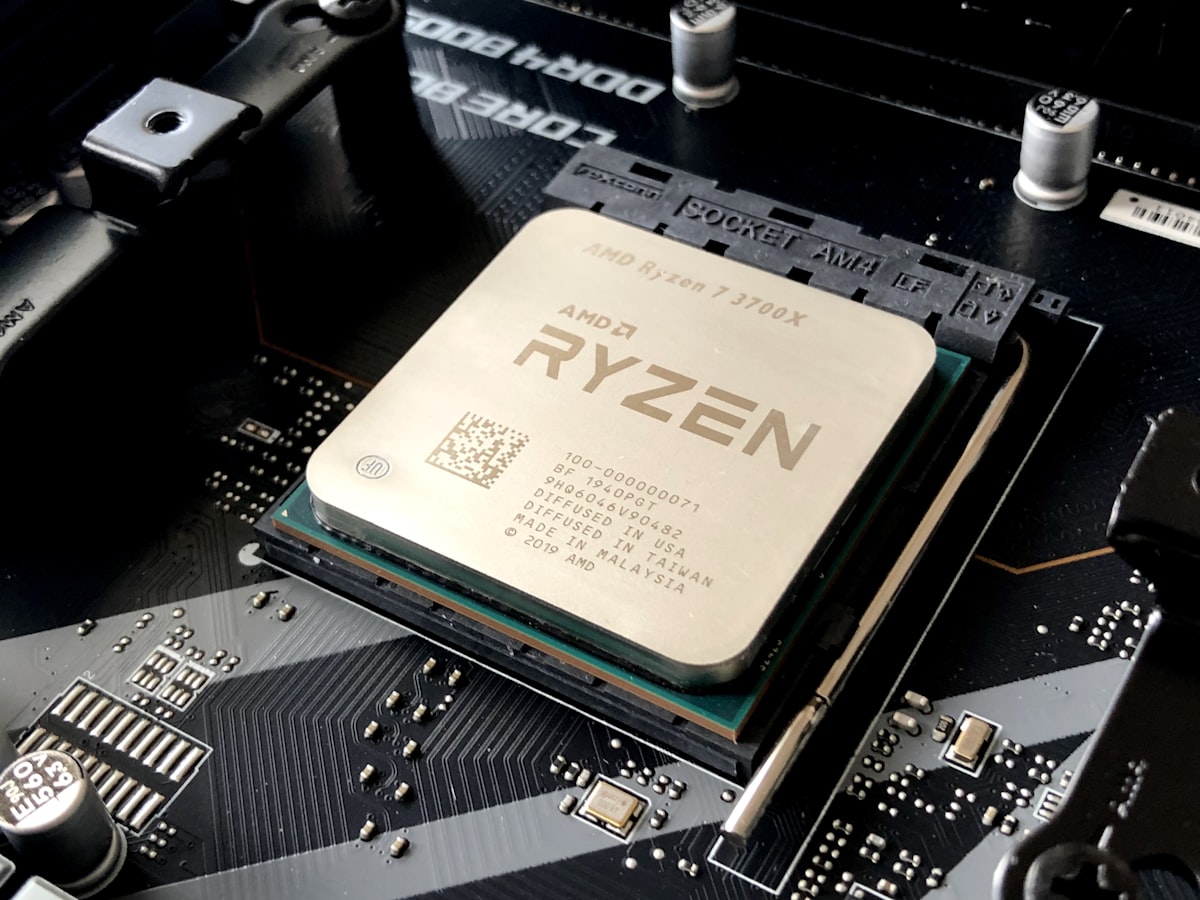
| AMD Ryzen 9 7950X (CPU) | Monero (XMR) | $0.35–$0.60 | ~$0.13 | $0.22–$0.47 |
| NVIDIA RTX 3070 (GPU) | Kaspa / Ergo | $0.55–$0.90 | ~$0.19 | $0.36–$0.71 |
| NVIDIA RTX 3080 (GPU) | Kaspa / ETC | $0.80–$1.30 | ~$0.26 | $0.54–$1.04 |
| NVIDIA RTX 4080 (GPU) | Kaspa / Ergo | $1.10–$1.80 | ~$0.24 | $0.86–$1.56 |
| AMD RX 6800 XT (GPU) | ETC / Ravencoin | $0.70–$1.10 | ~$0.22 | $0.48–$0.88 |
Note: These figures are estimates based on average network difficulty and coin prices as of early 2026. Crypto markets are volatile — actual earnings can vary significantly week to week.
Monthly and Annual Projections
Extrapolating the table above, a home miner running a single RTX 4080 around the clock at $0.10/kWh could expect:
- Monthly net earnings: ~$26–$47
- Annual net earnings: ~$310–$570
With a mid-range RTX 3070, you’re looking at roughly $11–$21/month net, or $130–$260/year. Not life-changing money — but not nothing either, especially if you already own the hardware.
CPU miners on Monero are more modest: expect $5–$14/month net with a high-end CPU. It’s genuinely passive income for a machine you already own, but don’t expect to quit your day job.
The Electricity Question: The Make-or-Break Factor
Electricity cost is the single most important variable in home mining profitability. Here’s how it changes the picture for an RTX 3080 mining Kaspa:
| Electricity Rate | Daily Power Cost | Daily Net Profit | Monthly Net |
|---|---|---|---|
| $0.05/kWh | ~$0.13 | $0.67–$1.17 | ~$20–$35 |
| $0.10/kWh | ~$0.26 | $0.54–$1.04 | ~$16–$31 |
| $0.15/kWh | ~$0.38 | $0.42–$0.92 | ~$13–$28 |
| $0.20/kWh | ~$0.50 | $0.30–$0.80 | ~$9–$24 |
| $0.30/kWh | ~$0.77 | $0.03–$0.53 | ~$1–$16 |
At $0.30/kWh — common in parts of Europe and some US states — home mining becomes marginal at best. If your electricity costs more than that, you’re very likely mining at a net loss. Always check your rate on your electricity bill before investing time or money into a mining setup.
Does Mining Damage Your Hardware?
This is a legitimate concern. Running your GPU or CPU at near-100% load for extended periods does increase wear. That said, modern GPUs are built to handle sustained loads — the key is thermal management. Keep your GPU temperatures under 75°C (ideally under 70°C), ensure good case airflow, and consider undervolting your GPU to reduce heat and power draw while maintaining most of the hash rate. Many miners report running GPUs for 3–5 years continuously without issues. The bigger risk is dust buildup and inadequate cooling — not the mining itself.
Should You Mine or Just Buy Crypto?
This is the question every aspiring home miner should ask themselves honestly. If you already own the hardware and have electricity under $0.12/kWh, mining makes sense as a passive income stream — especially if you’re bullish on the coins you’re accumulating. You’re effectively converting electricity into crypto at a set cost basis.
However, if you’re considering buying a new GPU specifically to mine, the math often doesn’t favor it. A mid-range GPU in 2026 costs $400–$700. At $20–$30/month net profit, you’re looking at a 14–35 month break-even period — and that assumes coin prices and difficulty stay constant, which they never do. In that scenario, simply dollar-cost averaging into your preferred cryptocurrency is often a better financial decision.
🛠️ Getting Started: What You Need
If you’ve run the numbers and want to give home mining a try, here’s what you’ll need to get started:
- Mining software: XMRig for Monero (CPU), lolMiner or NBminer for GPU coins. All free and open source.
- A crypto wallet: Set up a self-custody wallet (Exodus, Cake Wallet for XMR, or a hardware wallet) to receive your earnings.
- A mining pool: Solo mining is impractical on a home setup. Join a pool like SupportXMR (Monero), 2Miners, or K1Pool to get regular payouts.
- Monitoring software: MSI Afterburner for GPU temperature and undervolting, HWiNFO for system-wide stats.
- A profitability calculator: Bookmark WhatToMine.com and check it regularly — the most profitable coin changes as prices and difficulty shift.
Final Verdict
Home computer crypto mining in 2026 won’t make you rich — but it’s not dead either. With the right GPU, cheap electricity, and realistic expectations, a home miner can earn $10 to $50 per month in net profit running a single card. CPU miners on Monero can pull in a modest $5–$15/month passively. It’s beer money, not a salary — but for many enthusiasts, the combination of passive income, learning about the crypto ecosystem, and accumulating coins they believe in makes it entirely worthwhile.
The key rule: know your electricity cost, run your numbers first, and never buy hardware purely to mine. If those boxes are checked, fire up the rig and let it run.
Are you currently mining on a home PC? What’s your setup and monthly earnings? Share in the comments below — real-world data helps everyone!