How to Create Viral Videos Using AI
Going viral used to require expensive equipment, a full production team, and a bit of luck. In 2026, that equation has completely changed. Artificial intelligence has democratized video creation to the point where a single person with a laptop, a great idea, and the right set of AI tools can produce content that reaches millions. From scripting and voiceovers to editing, thumbnail design, and publishing strategy — AI now handles every phase of the process.
But here’s the truth: the tools alone won’t make you go viral. What separates forgettable content from a video that spreads like wildfire is a combination of smart strategy, genuine storytelling, and knowing exactly how to deploy AI at every stage of production. This guide breaks it all down — step by step — so you can start creating content that actually gets seen.
Understanding What Makes a Video Go Viral
Before touching any AI tool, it’s worth understanding the psychology of virality. Research consistently shows that videos go viral when they trigger a strong emotional response — whether that’s laughter, surprise, inspiration, or awe. They’re also typically short, easy to consume, and built around a hook that grabs attention within the first two or three seconds. Viral videos tend to feel relatable or surprising, and they almost always have a clear, shareable takeaway.
AI can help you engineer all of these elements — but you need to know what you’re aiming for first. Keep this framework in mind as you move through each step below: Hook → Emotion → Value → Call to Action. Every great viral video hits all four of these beats.
Step 1: Discover Viral Ideas with AI-Powered Trend Research
The fastest way to create content nobody watches is to make videos about topics people aren’t searching for. AI-powered research tools solve this problem instantly. Start with Google Trends to identify rising topics in your niche, then layer in tools like Exploding Topics or TrendTok Analytics to find what’s gaining momentum specifically on short-form video platforms.
Once you have a list of trending topics, bring in a conversational AI like Claude or ChatGPT and ask it to generate unique video angles that haven’t been overdone. A prompt like “Give me 10 fresh, counterintuitive video ideas about [topic] that would perform well on TikTok and YouTube Shorts in 2026” will give you a creative shortlist in seconds. Filter for the ideas that feel genuinely exciting to you — authentic enthusiasm is something viewers can sense, even through a screen.
Step 2: Write a High-Impact Script with AI
The script is where virality is either built or broken. AI writing tools can generate a complete, platform-optimized script from a single sentence prompt — but the best results come when you give detailed instructions. Tell your AI the platform, the tone, the target audience, the desired length, and the emotional response you want to trigger.
For short-form content (TikTok, Reels, Shorts), your script should be between 150 and 300 words, with the hook packed into the very first sentence. For YouTube long-form, AI can help you build a full content outline with chapters, transitions, and calls to action woven throughout. Tools like Jasper, Copy.ai, and Claude all excel at this. Always read the script out loud after generation — AI writes well, but your own ear is the final quality check.
One powerful technique: ask your AI to write three different versions of your hook. Test the one that feels most surprising or bold. The hook is the single most important line in your entire video — it determines whether someone keeps watching or scrolls away forever.
Step 3: Generate or Source Visuals with AI Video Tools
You no longer need a camera to create compelling video content. AI video generation has reached a level of quality in 2026 that was unimaginable just a few years ago. Here are the best tools depending on your content style:
- Sora by OpenAI — Generate cinematic, photorealistic video clips directly from text prompts. Ideal for dramatic b-roll, abstract visuals, and storytelling sequences.
- Runway ML Gen-3 — One of the most versatile AI video tools available. Supports text-to-video, image-to-video, and video-to-video transformation with fine-grained style controls.
- Pika Labs — Great for generating short, stylized clips with a distinctive visual energy. Excellent for social content that needs to stand out in a feed.
- HeyGen — Create videos featuring a lifelike AI avatar that presents your script on camera. No filming, no studio, no problem. Supports over 40 languages for global reach.
- Synthesia — Similar to HeyGen, Synthesia lets you produce professional presenter-style videos with AI avatars. Widely used by educators, marketers, and corporate creators.
- Midjourney + Runway — A powerful combination: generate striking still images with Midjourney, then animate them with Runway for a unique, artistic visual style that stands out from generic stock footage.
For creators who do film themselves, tools like Adobe Firefly and Topaz Video AI can upscale footage, remove backgrounds, enhance low-light shots, and apply cinematic color grades automatically — turning average phone footage into polished, professional content.
Step 4: Add Professional Voiceovers with AI Audio Tools
Audio quality is one of the most underrated factors in video performance. A great voiceover makes content feel polished and trustworthy; a bad one drives viewers away immediately. Fortunately, AI voice generation has become extraordinarily realistic.
ElevenLabs is the industry leader — it offers hundreds of ultra-realistic voices across multiple languages and accents, and even lets you clone your own voice for a personalized touch. Murf.ai and Speechify Studio are excellent alternatives with strong studio-quality output. For creators who want to use their own voice but clean it up, Adobe Enhanced Speech removes background noise and room echo with a single click, making any microphone sound broadcast-quality.
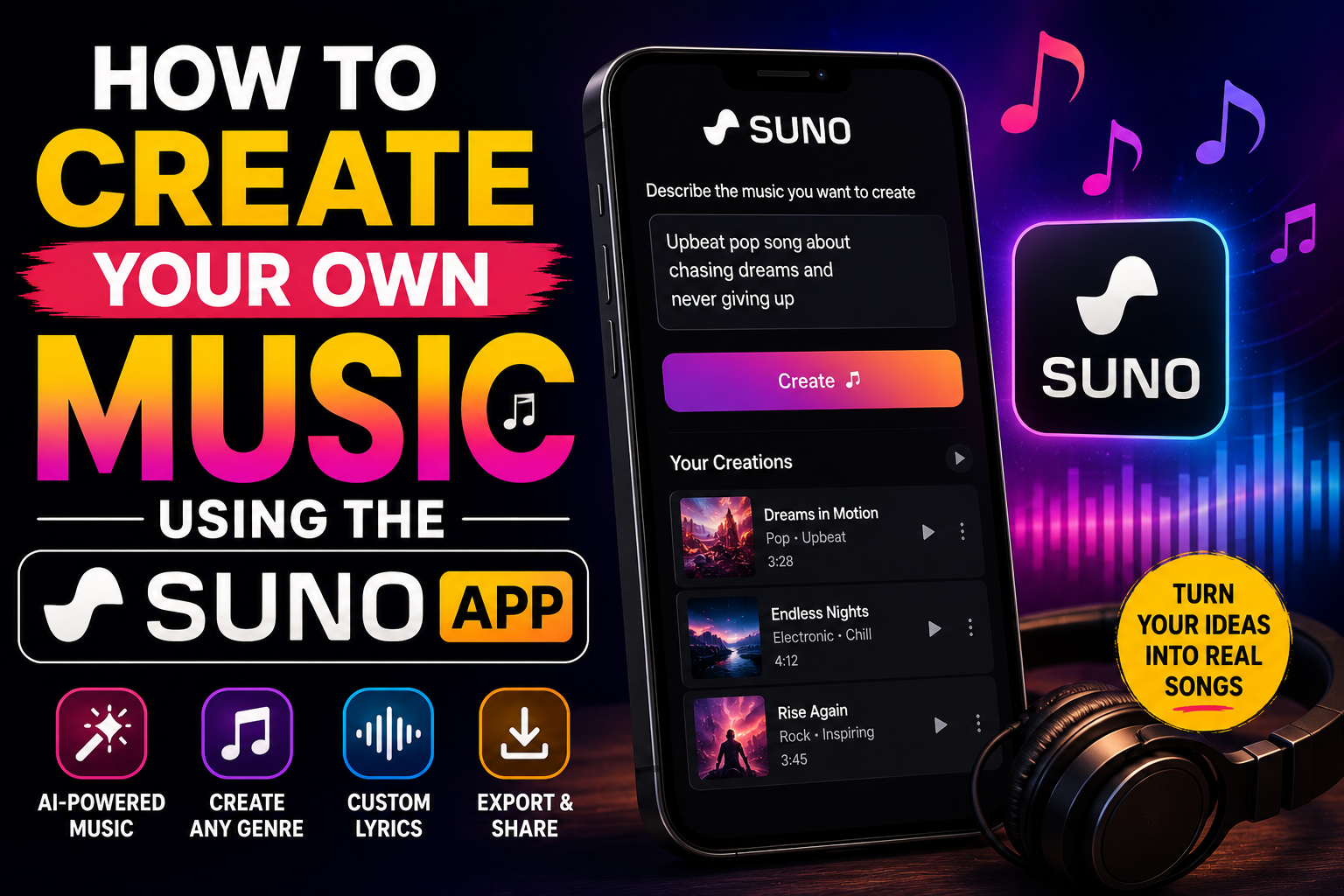
For music and sound design, Suno AI and Udio can generate completely original, royalty-free background tracks in any genre from a text description. No more worrying about copyright strikes — your soundtrack is one-of-a-kind and entirely yours.
Step 5: Edit Faster and Smarter with AI Editors
Editing is traditionally the most time-consuming part of video production. AI has slashed that time dramatically. These are the tools that make the biggest difference:
- Descript — The most innovative editor on the market. Edit your video by editing the transcript — delete a word from the text and that moment is cut from the video. It also automatically removes filler words like “um” and “uh” across your entire recording with one click.
- CapCut — The go-to free editor for short-form content creators. Features auto-captions, beat sync, smart crop for different aspect ratios, trending templates, and an AI background remover. Used by millions of TikTok and Reels creators daily.
- Opus Clip — Feed it a long YouTube video and it automatically identifies the most engaging moments, cuts them into viral short clips, adds captions, and even scores each clip by predicted virality. Repurposing content has never been easier.
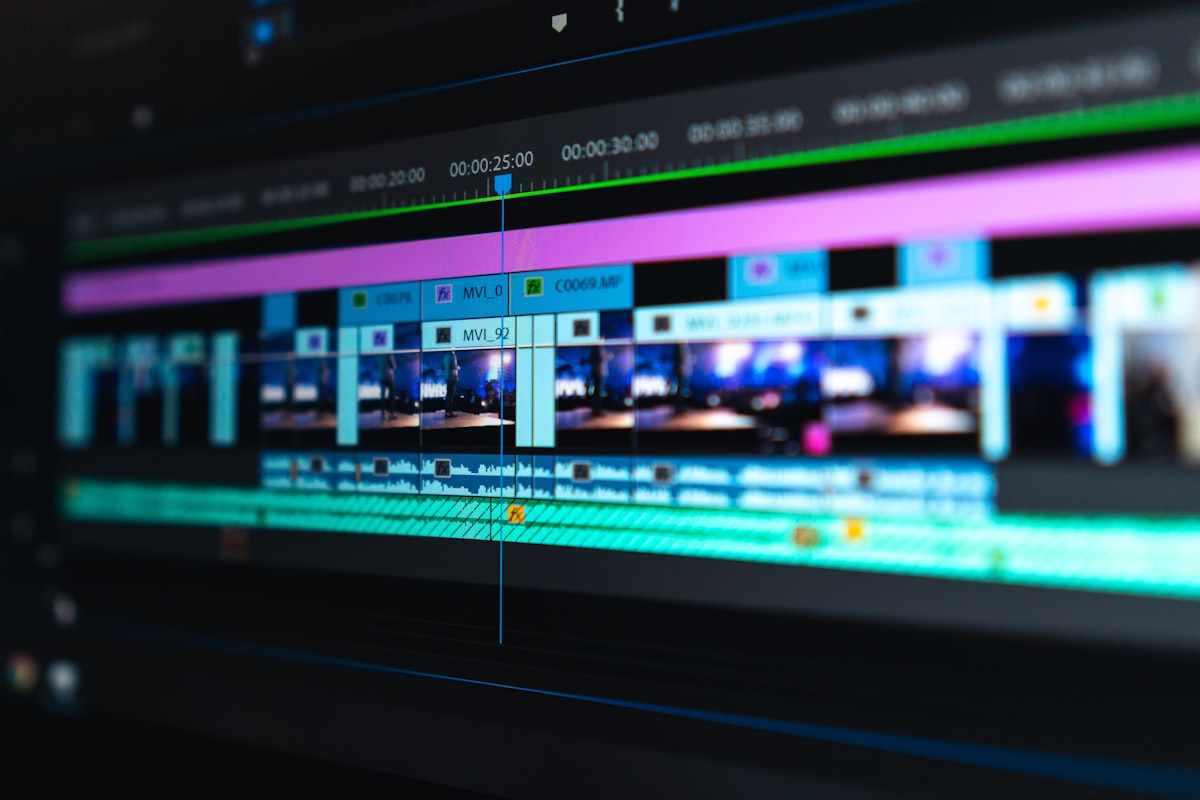
- Adobe Premiere Pro with AI — For advanced editors, Premiere’s AI features now handle scene detection, automatic color matching, dialogue-based editing, and generative B-roll insertion using Adobe Firefly.
Step 6: Design Thumbnails That Demand Clicks
On YouTube especially, your thumbnail is the single biggest driver of click-through rate — and CTR is one of the most powerful signals you can send to the algorithm. A great thumbnail can double or triple your views on an otherwise identical video.
Use Canva AI or Adobe Firefly to generate eye-catching thumbnail templates, then customize with bold text, contrasting colors, and a clear focal point. Midjourney can create dramatic, unique background images that make your thumbnail impossible to ignore in a crowded feed. Keep text to five words or fewer, use faces when possible (humans are wired to look at faces), and always A/B test two thumbnail versions using YouTube’s built-in testing feature.
Step 7: Optimize Titles, Descriptions, and Hashtags with AI
Getting discovered requires more than a great video — it requires strategic metadata. Ask your AI assistant to generate five to ten title variations for each video, optimized for both emotional click appeal and search keywords. Then pick the strongest one, or test multiple with tools like TubeBuddy or VidIQ, which provide real-time SEO scoring and keyword data for YouTube.
For Instagram and TikTok, use Flick or Metricool to generate hashtag sets that balance high-volume and niche tags — giving your content the best chance of reaching both large audiences and highly targeted communities. Your description should include your primary keyword in the first sentence and naturally incorporate two or three related terms throughout.
Step 8: Schedule, Publish, and Analyze with AI
Consistency is one of the most important factors in building a viral-ready audience. Irregular posting breaks the algorithm’s understanding of your channel and reduces distribution. Tools like Buffer, Later, and Publer use AI to analyze your specific audience’s activity patterns and recommend the exact days and times you should be posting for maximum reach on each platform.
After publishing, use Whatagraph or your platform’s native analytics combined with AI summaries to identify which videos performed best and why. Look for patterns: Did longer hooks perform better? Did a particular visual style drive more shares? Let data inform your next round of content creation, and use AI to help you interpret that data quickly and translate it into actionable decisions.
The Secret Ingredient: Your Authentic Voice
Here’s the one thing AI cannot replicate: you. The creators who consistently go viral aren’t the ones with the most sophisticated AI stack — they’re the ones who use AI to amplify a perspective, a personality, and a point of view that is genuinely their own. AI handles the heavy lifting so you can focus entirely on the creative and human elements that actually build an audience.
Use these tools to move faster, experiment more, and remove the technical barriers that used to stand between a good idea and a published video. But never forget that at the heart of every video that truly goes viral, there’s a human story, a real emotion, or an idea that made someone stop scrolling and think: I have to share this.
That part is still up to you — and in 2026, AI gives you every tool you need to make it happen. 🎬🚀










Post Comment