What’s the Best Free AI Tool for Video?
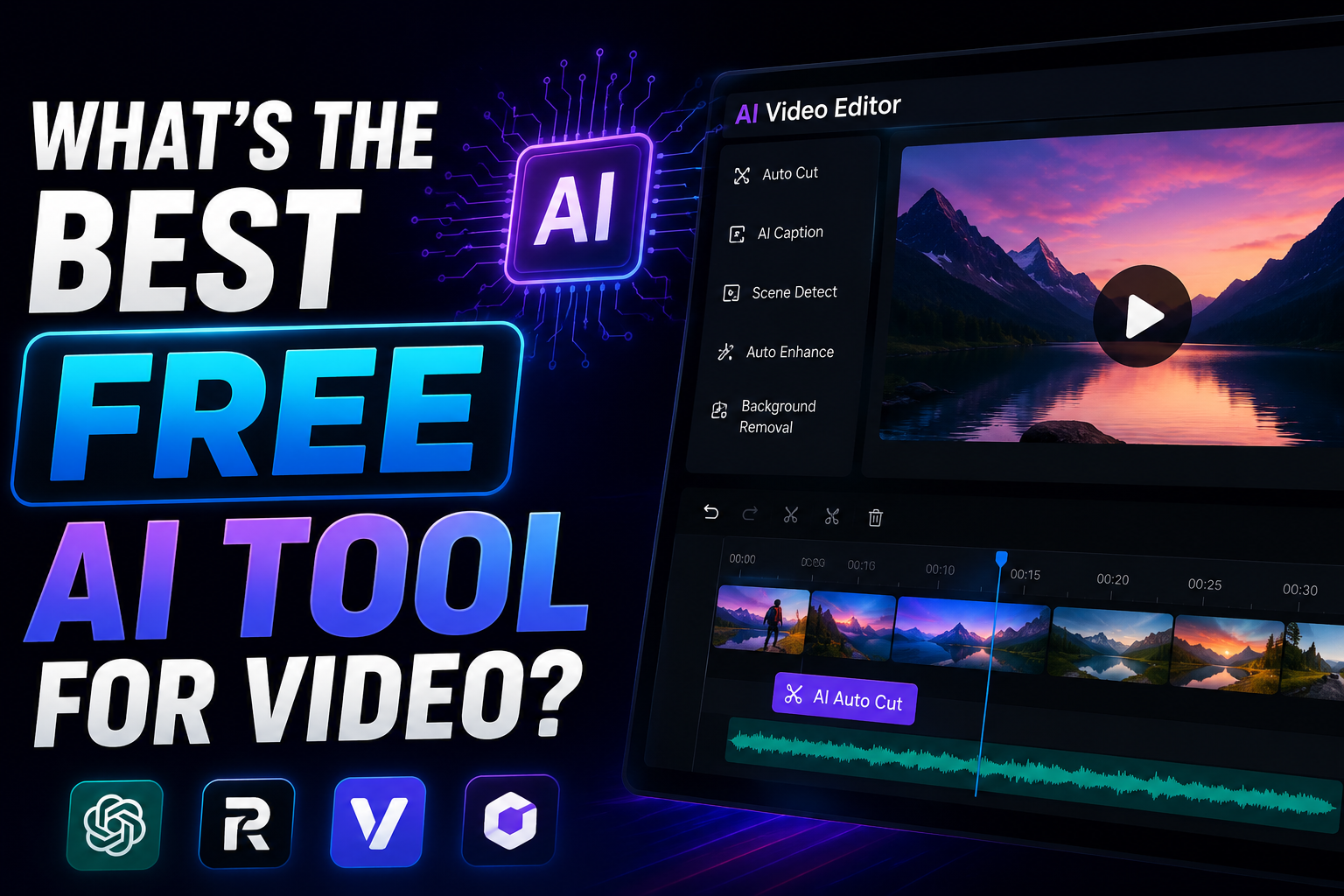
AI video tools have exploded over the past two years. What once required a professional studio, a motion graphics team, and thousands of dollars in software licenses can now be done in minutes — sometimes seconds — by a single person with a browser tab. But with dozens of tools flooding the market, each claiming to be the best, it’s hard to know where to start, especially when you’re not ready to pay for a subscription.
The good news: in 2026, there are genuinely excellent free AI video tools available — you just need to know which one fits your specific use case. This guide breaks down the best free options by category, with honest assessments of what each tool does well, where it falls short, and who it’s best suited for.
First: What Do You Actually Need?
“AI video tool” is a broad term that covers very different types of software. Before diving into the list, it helps to know which category matches your goal:
- AI Video Generation: Create video from text prompts or images, from scratch.
- AI Video Editing: Automatically cut, trim, caption, and enhance existing footage.
- AI Subtitle & Transcription: Auto-generate accurate captions and subtitles.
- AI Avatar & Talking Head: Turn a script into a video with a realistic AI presenter.
- AI Video Enhancement: Upscale, stabilize, or restore video quality using AI.
With that framework in mind, here are the best free AI video tools in each category for 2026.
🏆 Best Free AI Video Tools in 2026
1. CapCut — Best Free AI Video Editor Overall
Best for: Content creators, social media videos, short-form content
Free tier: Very generous — most core AI features available for free
Platforms: Web, iOS, Android, Desktop
CapCut has quietly become one of the most powerful free video editing tools on the planet, and its AI feature set is genuinely impressive. The free tier includes AI-powered auto-captions in 20+ languages, background removal, smart scene detection, auto-reframe for different aspect ratios, text-to-video generation, and an AI script writer. It’s the go-to tool for TikTok and Reels creators for good reason — the workflow is fast, the results look polished, and you don’t need to open your wallet to access 90% of what makes it great.
The main caveat: CapCut is owned by ByteDance (TikTok’s parent company), which raises data privacy considerations for some users. If that’s a concern, the alternatives below are worth exploring.
2. Runway ML (Free Tier) — Best for AI Video Generation
2. Runway ML (Free Tier) — Best for AI Video Generation
Best for: Filmmakers, creatives, experimenters, and marketers
Free tier: 125 credits on sign-up (enough for ~25 seconds of generated video)
Platforms: Web
Runway ML is home to Gen-3 Alpha, one of the most sophisticated AI video generation models available to the public. The free tier is limited in volume — you won’t be producing a full short film — but for testing the technology, creating short social clips, or generating B-roll footage from text prompts, it’s remarkable. Type a prompt like “slow-motion ocean waves at sunset, cinematic, 4K” and watch it render a genuinely beautiful clip in under a minute. Runway also offers AI-powered inpainting (removing objects from video), motion brush, and background generation tools on the free plan.
3. Clipchamp (Free) — Best Free AI Editor for Windows Users
Best for: Windows users, business content, presentations, tutorials
Free tier: Full editing suite free; some premium assets require subscription
Platforms: Web, Windows (built into Windows 11)
Microsoft’s Clipchamp is baked directly into Windows 11 and is genuinely capable as a free video editor. Its AI features include auto-captions, a text-to-speech engine with natural-sounding voices, and an AI-powered script assistant. It’s not as flashy as CapCut or Runway, but it’s clean, privacy-friendly, and deeply integrated with Microsoft 365 — making it ideal for business users creating training videos, product demos, or internal communications. No watermark on exports at 1080p on the free tier.
4. Submagic (Free Tier) — Best for AI Captions and Subtitles
Best for: YouTubers, podcasters, social media creators who need fast captions
Free tier: Limited monthly exports, full feature access
Platforms: Web
If your primary need is accurate, stylish auto-captions for social video, Submagic is one of the best specialized tools available. It uses AI to transcribe your video, then auto-generates animated, word-highlighted captions in the style popularized by viral short-form content. The results look dramatically more professional than plain white subtitles and require almost zero manual editing. The free tier limits the number of monthly exports, but for creators publishing a few videos per week, it covers the need well. Competing directly with tools like Captions.ai and Opus Clip in this space.
5. HeyGen (Free Tier) — Best Free AI Avatar / Talking Head Tool
Best for: Marketers, educators, corporate trainers, anyone camera-shy
Free tier: 1 free video per month (up to 3 minutes), watermarked
Platforms: Web
HeyGen lets you type a script and have a photorealistic AI avatar deliver it on camera — no filming required. The free tier is extremely limited (one short video per month with a watermark), but it’s enough to evaluate whether the technology fits your workflow. For educators creating course content, marketers producing product explainers, or businesses that need multilingual video without hiring on-camera talent, HeyGen’s paid tiers are compelling. On the free plan, it serves as a powerful proof-of-concept. The avatar quality in 2026 has crossed the uncanny valley — most viewers can’t tell it’s AI.
6. Topaz Video AI (Free Trial) — Best for Video Enhancement & Upscaling
Best for: Photographers, filmmakers, archivists restoring old footage
Free tier: Free trial with watermark
Platforms: Windows, Mac (desktop software)
Topaz Video AI is the industry standard for AI-powered video upscaling, denoising, motion deblurring, and frame interpolation. The free trial allows full feature access with a watermark on exports — enough to test whether it solves your specific problem before committing to a purchase. If you have shaky 1080p footage you want to upscale to 4K, grainy old home videos you want to restore, or slow-motion clips that need frame interpolation, nothing in the free space touches Topaz’s output quality. It runs locally on your machine, meaning no cloud processing and no privacy concerns.
📊 Quick Comparison: Best Free AI Video Tools
| Tool | Best Use Case | Free Tier Quality | Watermark? | Platform |
|---|---|---|---|---|
| CapCut | Editing, captions, social video | ⭐⭐⭐⭐⭐ Excellent | Optional (removable) | Web, Mobile, Desktop |
| Runway ML | AI video generation | ⭐⭐⭐⭐ Very Good | No | Web |
| Clipchamp | Editing, TTS, Windows integration | ⭐⭐⭐⭐ Very Good | No | Web, Windows |
| Submagic | Auto-captions & subtitles | ⭐⭐⭐⭐ Very Good | No | Web |
| HeyGen | AI avatar / talking head video | ⭐⭐⭐ Good (limited) | Yes | Web |
| Topaz Video AI | Upscaling & enhancement | ⭐⭐⭐ Good (trial) | Yes | Desktop |
What About Completely Free, No-Limits Options?
Truly unlimited free AI video tools are rare because the compute costs are enormous. That said, CapCut comes closest to a genuinely unrestricted free experience for editing and short-form content creation. Clipchamp is the best no-watermark free editor for longer or more formal video work. For AI generation specifically, free tiers will always come with credit or export limits — the technology is simply too expensive to give away without bounds.
Open-source alternatives like Kdenlive and DaVinci Resolve (free version) offer powerful video editing without AI generation, but their AI-specific features are limited compared to the cloud-based tools above.
Our Verdict: The Single Best Free AI Video Tool
If you can only choose one, CapCut is the best free AI video tool for the widest range of users in 2026. Its combination of AI-powered editing, auto-captions, text-to-video, background removal, and multi-platform availability — all on a generous free tier — is unmatched. It’s the tool that genuinely replaces a $50/month subscription for most content creators.
However, the “best” tool is ultimately the one that solves your specific problem. Need to generate video from a text prompt? Use Runway ML. Need perfect captions fast? Use Submagic. Need to present on camera without being on camera? Try HeyGen. Need to rescue old or low-quality footage? Topaz Video AI‘s trial is your friend.
The best strategy for most creators is to start with CapCut as your primary tool and pull in specialized tools for the jobs it doesn’t handle. Together, they cover virtually every video production need — for free.
Which free AI video tool do you use most in your workflow? Let us know in the comments!